
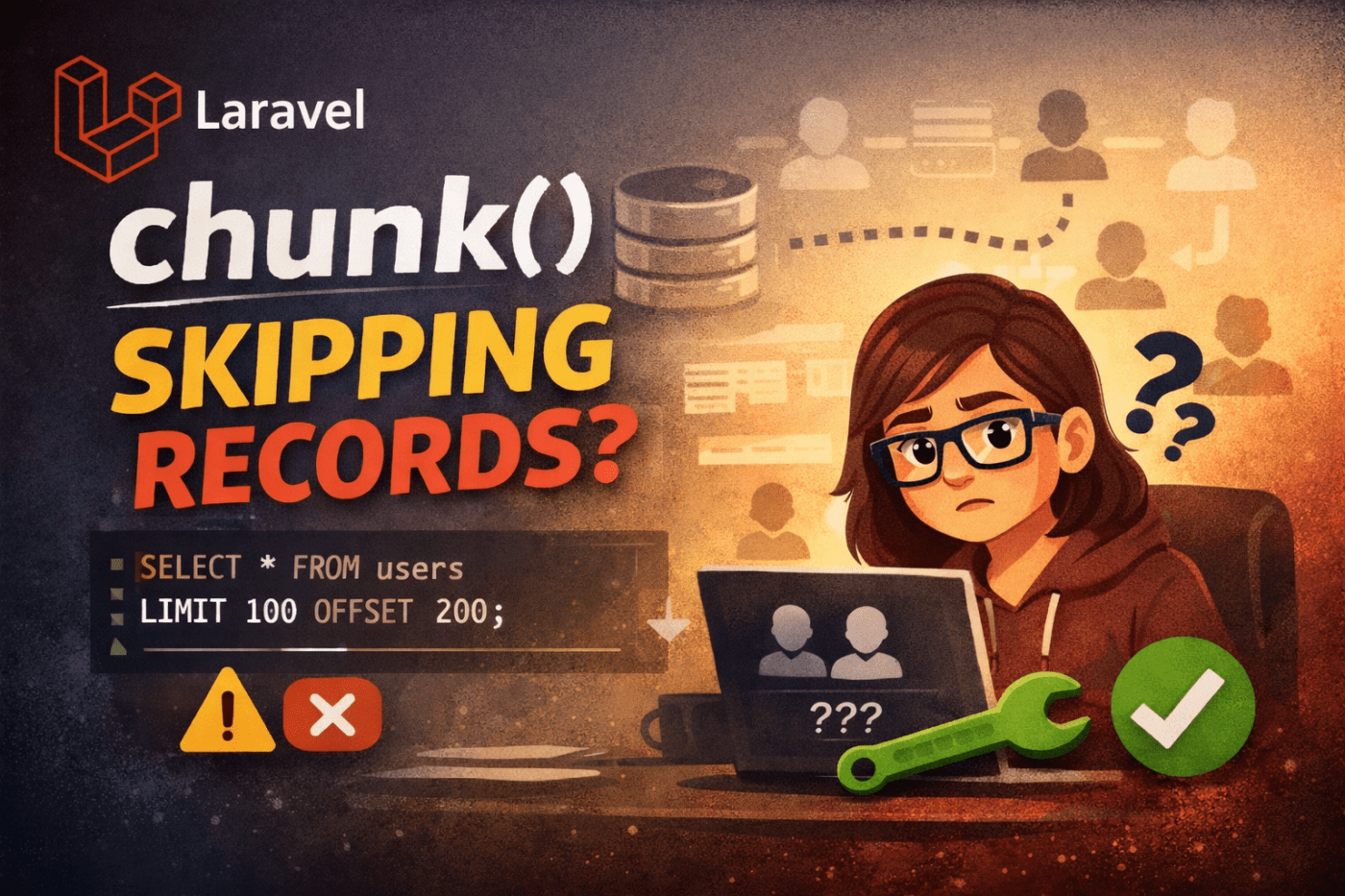
Table Of Content
- Why Chunking Is Important
- Understanding chunk()
- Understanding chunkById() (Recommended Solution)
- Key Differences at a Glance
- Common Mistakes to Avoid
- Best Practices (Production-Ready)
- Real-World Recommendation
- Final Thoughts
When working with large datasets in Laravel, loading thousands or millions of records into memory at once can crash your application or slow it down significantly.
Laravel offers two effective methods to handle large records efficiently:
chunk()chunkById()
At first glance, they look alike, but they operate very differently. Choosing the wrong method can cause performance problems, skipped records, or even duplicate processing.
Let’s break it down.
Why Chunking Is Important
Normally, this is risky:
$users = User::all(); // loads entire table into memoryInstead, chunking processes records in small batches. This keeps memory usage low and performance stable.
Understanding chunk()
How chunk() Works
chunk() retrieves records using the OFFSET and LIMIT pagination.
User::chunk(100, function ($users) {
    foreach ($users as $user) {
        // process user
    }
});
SQL Behind the Scenes
SELECT * FROM users LIMIT 100 OFFSET 0;
SELECT * FROM users LIMIT 100 OFFSET 100;
SELECT * FROM users LIMIT 100 OFFSET 200;
Problems with chunk()
1. Performance Slows on Large Tables
- OFFSET becomes slower as the table grows.
- The database has to repeatedly scan and skip rows.
2. Risk of Skipped or Duplicate Records
- If records are added or removed during processing
- Some rows may be skipped.
- Some may get processed twice.
- When chunk() Is Acceptable
- Small datasets
- Read-only data
- When the table does not change during execution
Understanding chunkById() (Recommended Solution)
How chunkById() Works
Instead of using OFFSET, it relies on primary key comparison:
User::chunkById(100, function ($users) {
    foreach ($users as $user) {
        // process user
    }
});
SQL Behind the Scenes
SELECT * FROM users WHERE id > 0 ORDER BY id ASC LIMIT 100;
SELECT * FROM users WHERE id > 100 ORDER BY id ASC LIMIT 100;
Why This Is Better
- No OFFSET
- Uses an indexed primary key
- Faster on large tables
- No skipped or duplicate records
- Safe for live, changing data
Custom Primary Key Support
Order::chunkById(200, function ($orders) {
    //
}, 'order_id');
Key Differences at a Glance
Feature
Pagination type
Performance
Safe for changing data
Skipped records risk
Requires an indexed ID
Best for production
chunk()
OFFSET + LIMIT
Slow on large tables
No
Yes
No
Rarely
chunkById()
ID comparison
Very fast
Yes
No
Yes
Always
Common Mistakes to Avoid
Do not combine orderBy() with chunkById()
// This breaks chunkById logic
User::orderBy('created_at')
    ->chunkById(100, function ($users) {
        //
    });
chunkById() already ensures ordering by the primary key internally.
Best Practices (Production-Ready)
User::select('id', 'email')
    ->where('active', 1)
    ->chunkById(500, function ($users) {
        // heavy processing logic
});- Select only the necessary columns.
- Use an indexed primary key.
- Keep chunk size reasonable (100–1000).
- Prefer chunkById() for cron jobs and queues.
Real-World Recommendation
- If you remember only one thing:
- Use chunkById() by default.
- Use chunk() only when absolutely necessary.
- This one choice can protect you from:
- Performance issues
- Data inconsistencies
- Production bugs that are difficult to fix
Final Thoughts
Laravel provides great tools, but understanding how they work internally sets apart a junior developer from a senior engineer.
Choosing chunkById() is not just about speed; it’s about accuracy, scalability, and reliability.
 Developer's Desk
Leave a comment